
AI-powered lead generation tool: scrape business data from Google Maps, find job posts on Facebook & LinkedIn, get AI summaries, and generate personalized cover letters — plus send WhatsApp messages with one click from any webpage.
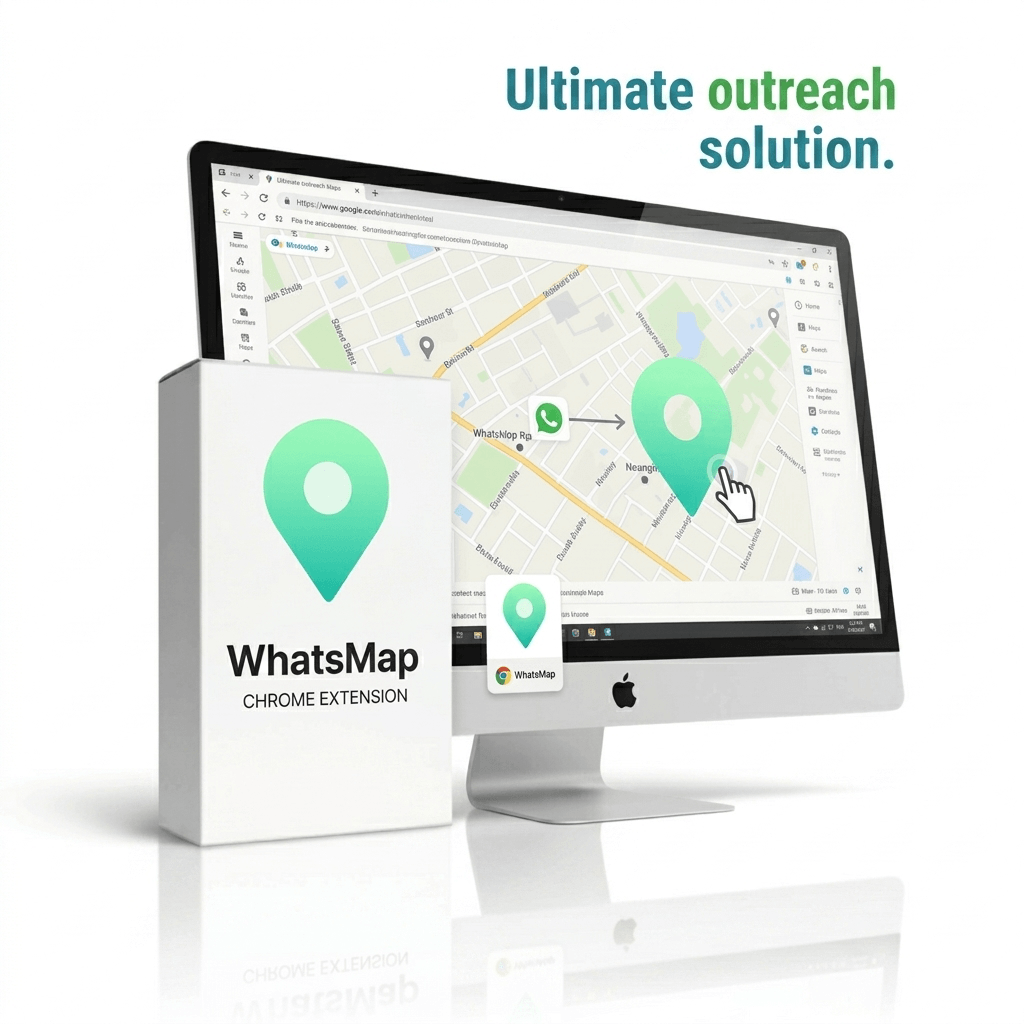
You can scrap Business Name, Phone Number, Address, Average Rating, Total Reviews from Google Maps. Also can scrap From Linked in and Facebooks Poster name, Post content, Post link, Poster profile link and many more data.
There are 2 AI plan in WhatsMap. Free and Paid. You can use free AI model from open router. But, There have some daily limit on free models. So, We recommend to use paid deepseek API. It’s super cheap, fast and you can use without any limitation. With only 5 USD you can summarize and write a lot of job proposal.
No. There is no chance to get WhatsApp banned for this extension. But, It depends how you use this. If you do spam or anything that conflicts with meta community guidelines. Maybe your WhatsApp account can be banned. We recommend to use multiple WhatsApp account if you want to use this for marketing of bulk messaging.
When you order a license, You will get a key in the invoice. Copy the key and go to License tab in the extension. There you will get a field to verify license. Paste the key in the field and click on Verify License button. Your the product will be activated for the expected time period.
The license expiry start counting after it’s generated. So, Best practice is to use the license key immediately when you get it.